Description
Adding 2 factor authentication for 1 or many users
Requirements
- Workplace administrator access
The Process
Under Configuration, Policy profiles, create a new Policy profile 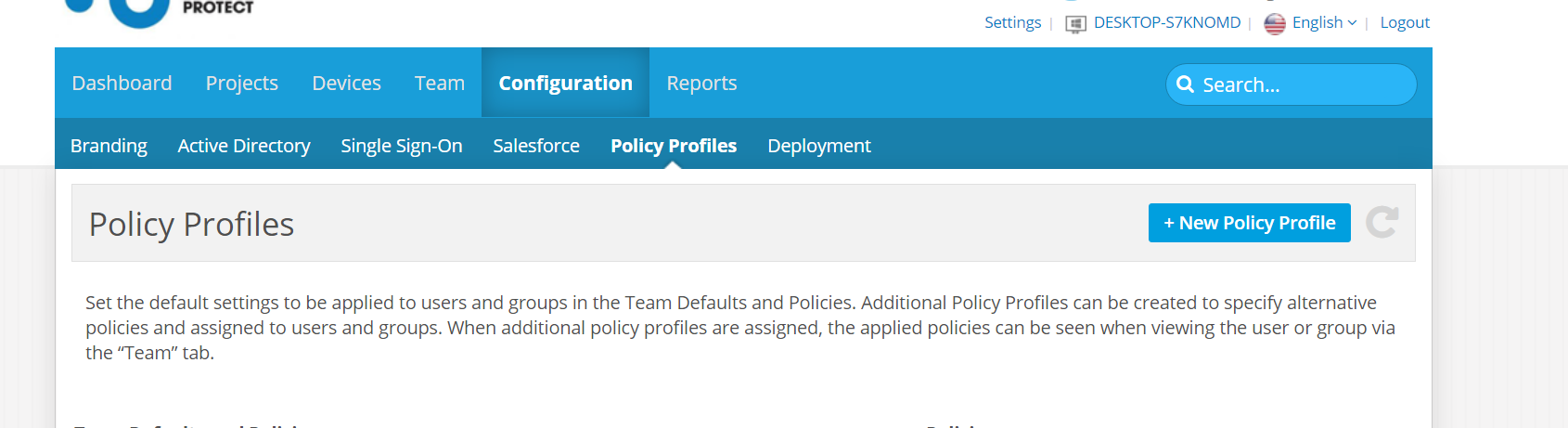
Click add policies
Filter by "2"
Select 2 factor authentication
Click "assigned to" and add the user who needs 2fa
Was this article helpful?
That’s Great!
Thank you for your feedback
Sorry! We couldn't be helpful
Thank you for your feedback
Feedback sent
We appreciate your effort and will try to fix the article