Description
How to enable/disable email alerts in Avanan
Requirements
- An Avanan partner account
- An Avanan customer
The Process
- Go to https://portal.avanan.net/
- Open up the customer portal
- Click policy on the left hand menu
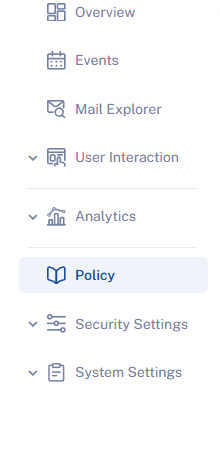
- Click the active threat prevention policy
- Scroll down to alerts
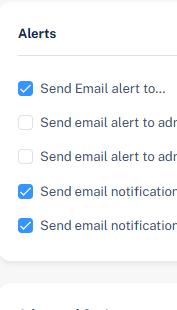
- Enable/Disable the alerts based on customer preferences. More granular controls are available if you click the gear icon.
Was this article helpful?
That’s Great!
Thank you for your feedback
Sorry! We couldn't be helpful
Thank you for your feedback
Feedback sent
We appreciate your effort and will try to fix the article